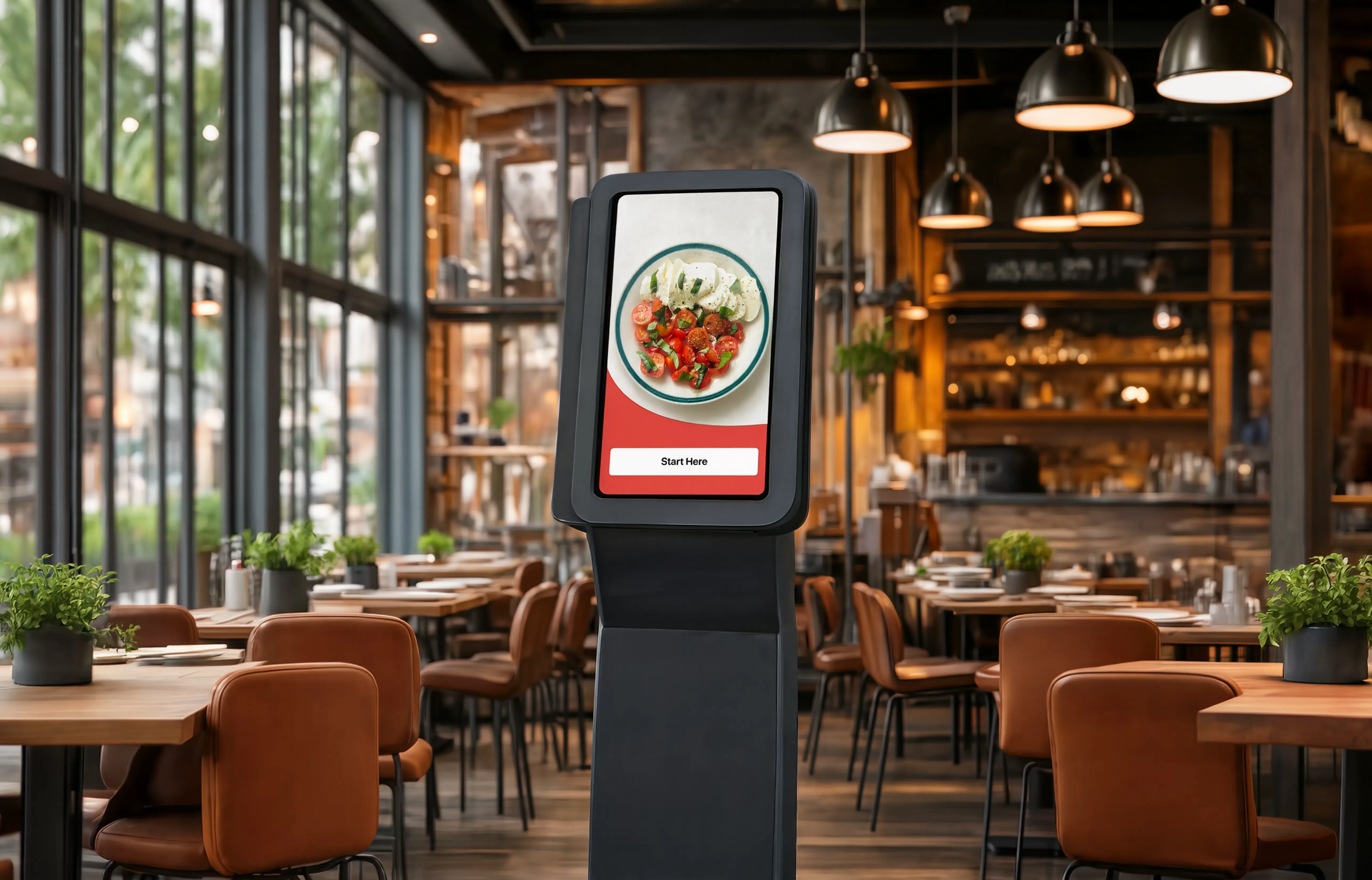
Interactive self-service touchscreen terminal
A Kiosk that allows customers to browse a menu, place orders, and complete payments without staff assistance.
Responsive Design
Overview
A Kiosk that allows customers to browse a menu, place orders, and complete payments without staff assistance.
My Role
Problem & Solution
The Problem
Long lines at cafes and restaurants, overloaded checkout staff, and a need for a solution that will reduce wait times, increase average checks, and simplify the ordering process for guests without the help of staff.
Solution
Create a self-service kiosk design with an intuitive step-by-step ordering process and a user-friendly touchscreen interface. The solution includes a flexible design system, customizable through the administrative portal, allowing companies to customize colors, component styles, and layouts to match their branding.
Design Process
Understand the needs and challenges of business and customers. Research of competitors and data analysis, feedback, information collection.
Clearly articulate the problem statements based on insights gathered from the empathy phase.
Working with ideas, design options, brainstorming with the team, using AI tools.
Develop prototypes with different ideas using AI tools to visualize and test the proposed solutions.
The team and the first clients are testing the design, collecting initial feedback and improving the design.
Research
Competitor Analysis
Must Have
Nice to Have
Attractive
Target Audience — Personas
User's Problems
Most self ordering kiosks are designed and geared towards millennials. This design mentality causes a huge gap in adoption with the older generation.
Limited payment options: If the kiosk only accepts certain payment methods, users who do not have those payment options may not be able to complete their transaction.
Difficulty navigating the interface: If the kiosk's user interface is not user-friendly, users may find it challenging to navigate through the options and complete their intended task.
Accessibility issues: Self-service kiosks may not be accessible to users with disabilities, such as those who use wheelchairs or have visual impairments.
Technical issues: Self-service kiosks can experience technical issues such as frozen screens, unresponsive touchscreens, or connectivity problems that prevent users from completing their transactions.
Privacy concerns: Users may have concerns about the security of their personal information when using self-service kiosks, especially if they are required to input sensitive data like credit card information.
Lack of clear instructions: If the instructions or prompts on the kiosk's interface are unclear or confusing, users may struggle to understand what steps they need to take to complete their task.
Language barriers: If the kiosk's interface is only available in one language, users who do not speak that language may not be able to use the kiosk effectively.
User Pain Points
Menu hierarchy efficiency
Less scrolling = matching content with user intent.
Faster browsing: to avoid queues and speed up ordering at the Kiosk
Menu sorting by popularity in kiosks, which reduces the effort to find the desired product (less scrolling, faster checkout, less queue).
Information messages for the user on the display
Self-service can sometimes obscure the effort that goes into fulfilling a customer's order, and thus may reduce this perceived value. Restaurants can combat this by making it apparent what's happening behind the scenes via their kiosks — for example, displaying a simple message informing the customer that their order has been sent to the kitchen and is being prepared. Keeping the customer informed like this will help to reassure them that their order is being dealt with and their needs catered to.
CJM
Scenario
Anna is a student from Ukraine. She came to New Zealand for the first time as a tourist. She does not speak English well — to avoid stressful situations, she prefers to communicate less with people. She is walking down the street looking for a place to buy herself lunch. She saw a self-service kiosk in the restaurant and decided to order.
Expectations
| Exploring kiosk interface | Exploring the menu | Product selection | Quantity & additional products | Add to cart | Payment | Waits for order | Get the order | |
|---|---|---|---|---|---|---|---|---|
| ActionsWhat does the customer do? | Approaches the kiosk, interested in using it Understands how to use through clear on-screen instructions Selects "Take away" |
Scrolls through categories, finds salads Wants to check for allergens |
Selects the salad category Doesn't see allergen sign — reads ingredient summary |
Decides to buy 2 salads, chooses quantity Reads offer to add sauce and drink Decides not to add anything |
Clicks Add to cart Sees main menu again Decides not to buy anything else Goes to cart |
Checks order on cart page Clicks Pay now Selects payment by card Receives receipt with order number |
Kitchen staff receives and prepares food Customer sees order status on screen Notified when food is ready |
Enjoys the meal. Satisfied with the convenience. Likely to return. |
| ThoughtsWhat is the customer thinking? | Can I choose another language?Can I take away my order?How long will I wait? | Enough information?Can I check calories?Will I find the salad quickly? | Why can't I see allergen signs?Where can I see calories? | Can I change quantity in the cart? | Can I still choose more products? | Can I check my order again before paying? | How long do I have to wait? | I saw a notification — the order is ready. I'm happy! |
| Feeling | 😊Happy | 🤔Wondering | 😤Frustrated | 😊Trust | 😊Happy | 😊Happy | 😊Happy | 😊Happy |
UI Design Phase — Core screens
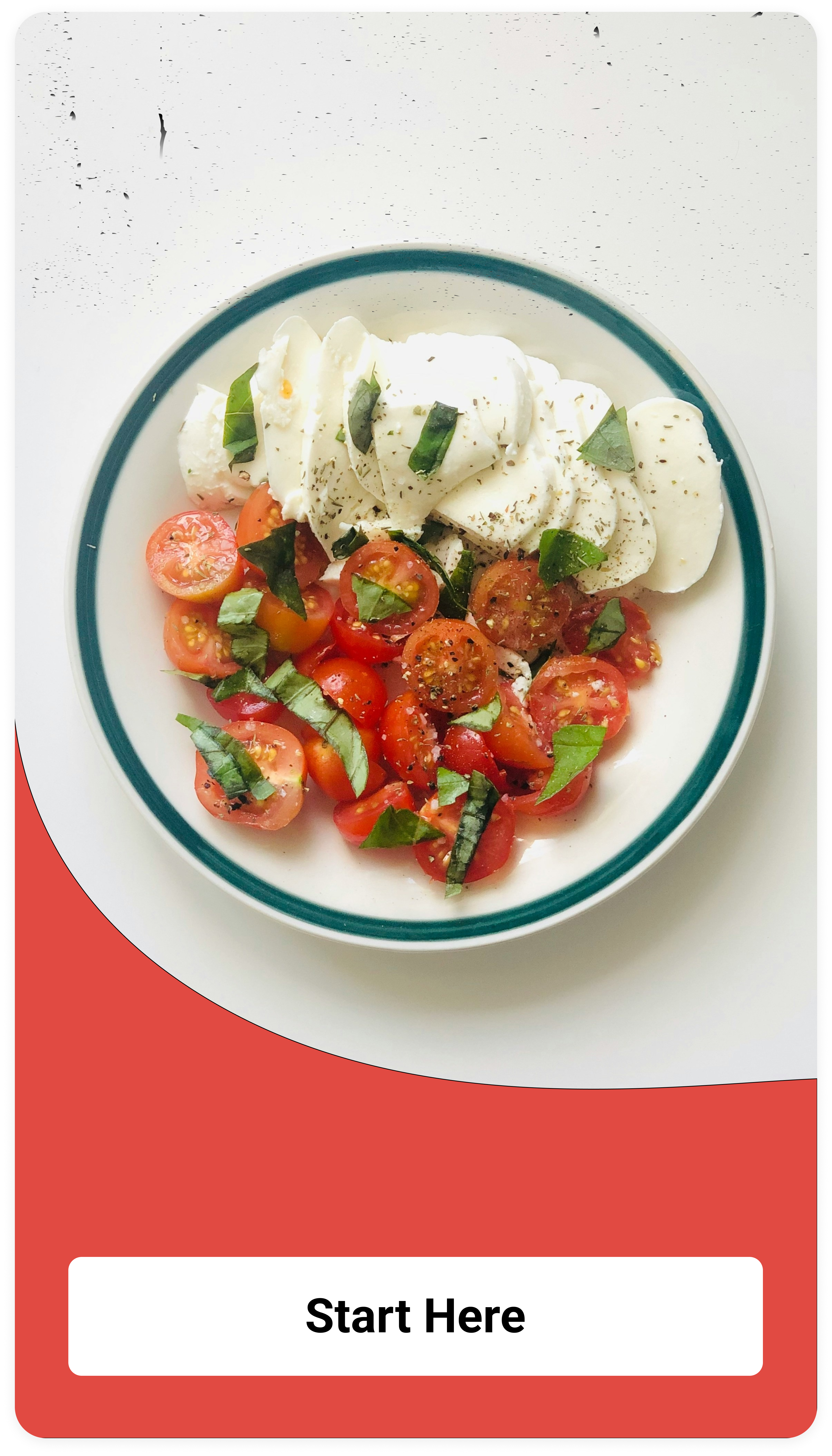
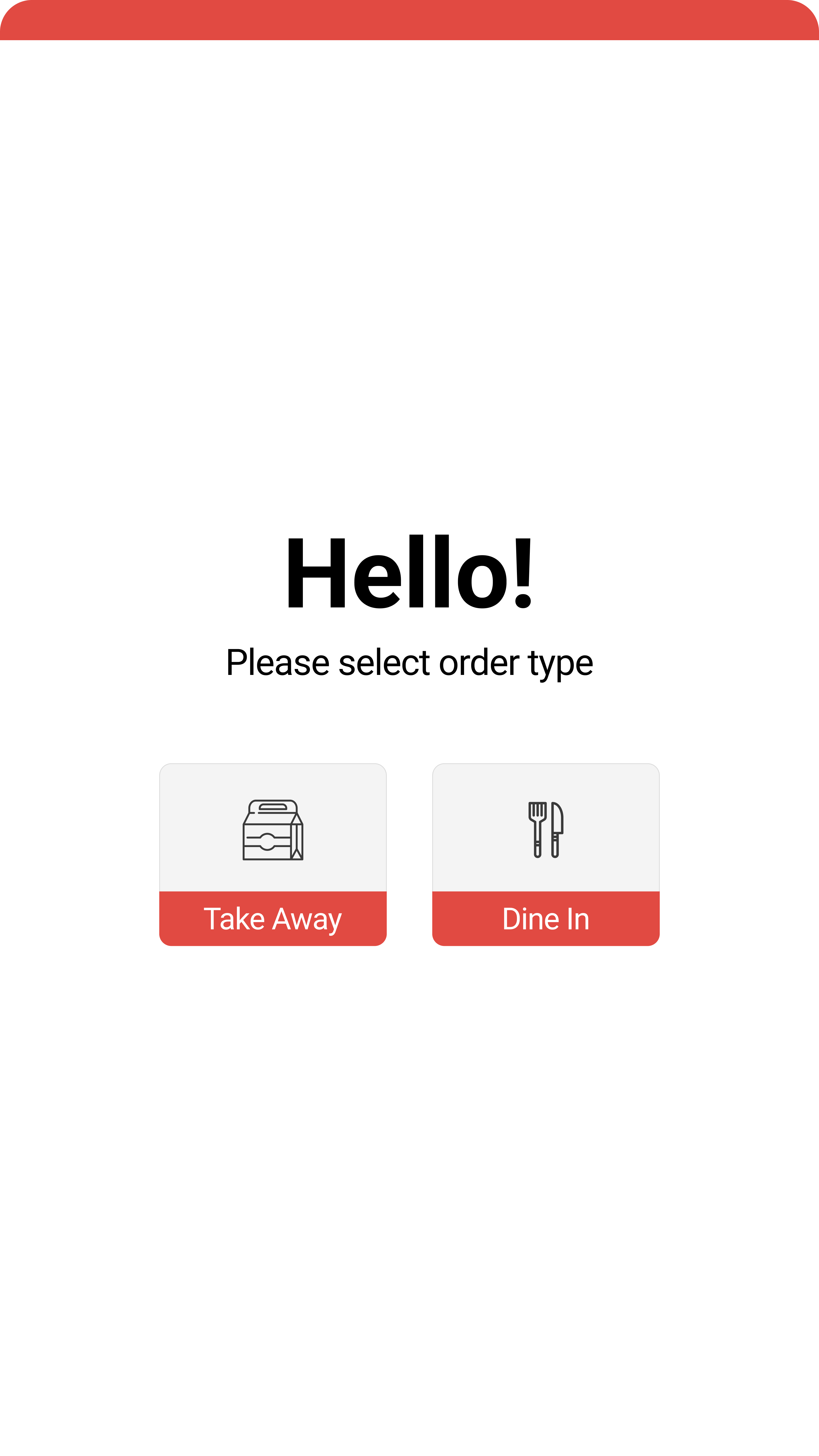
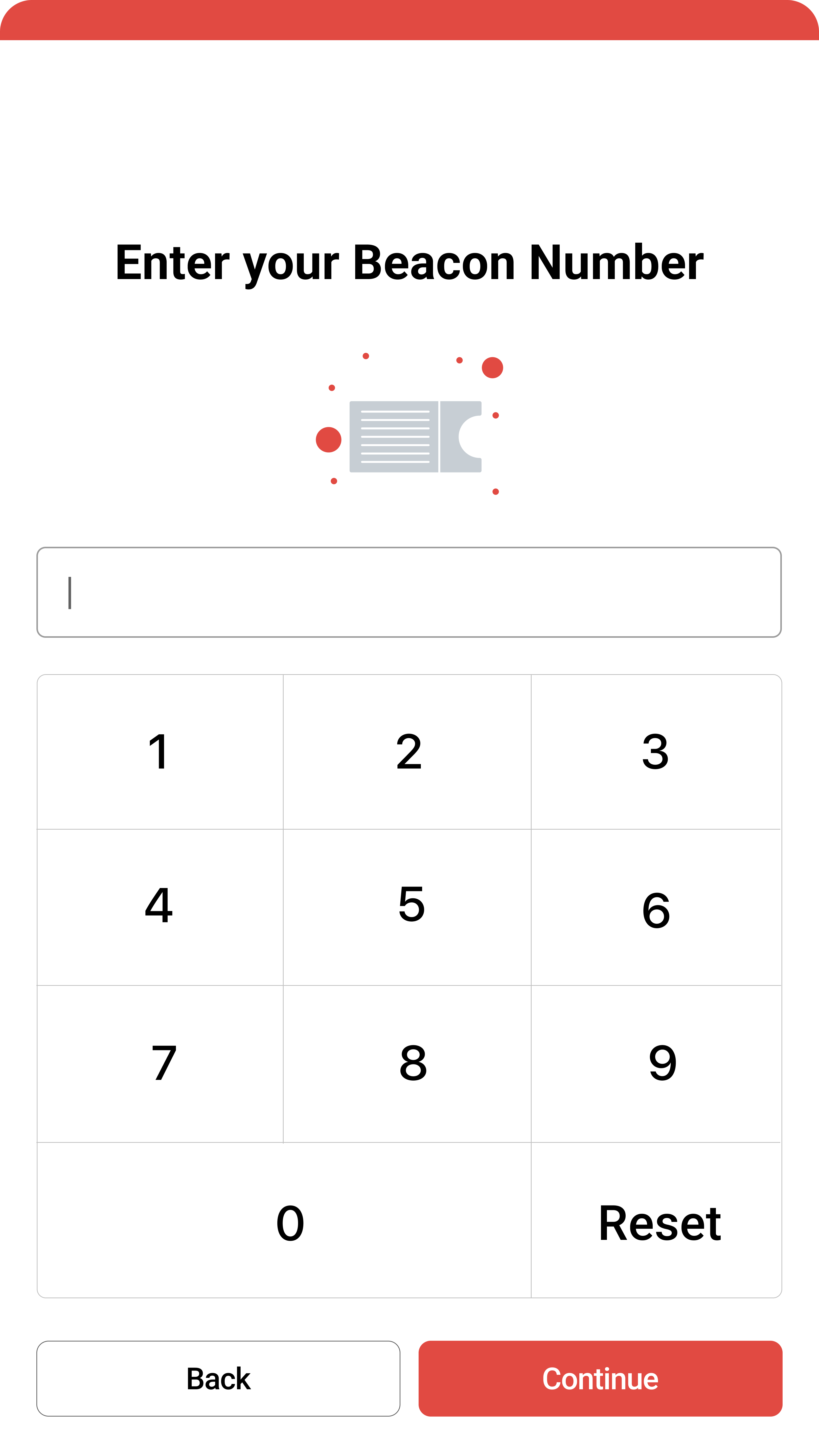
Start screen · Order type selection · Beacon screen
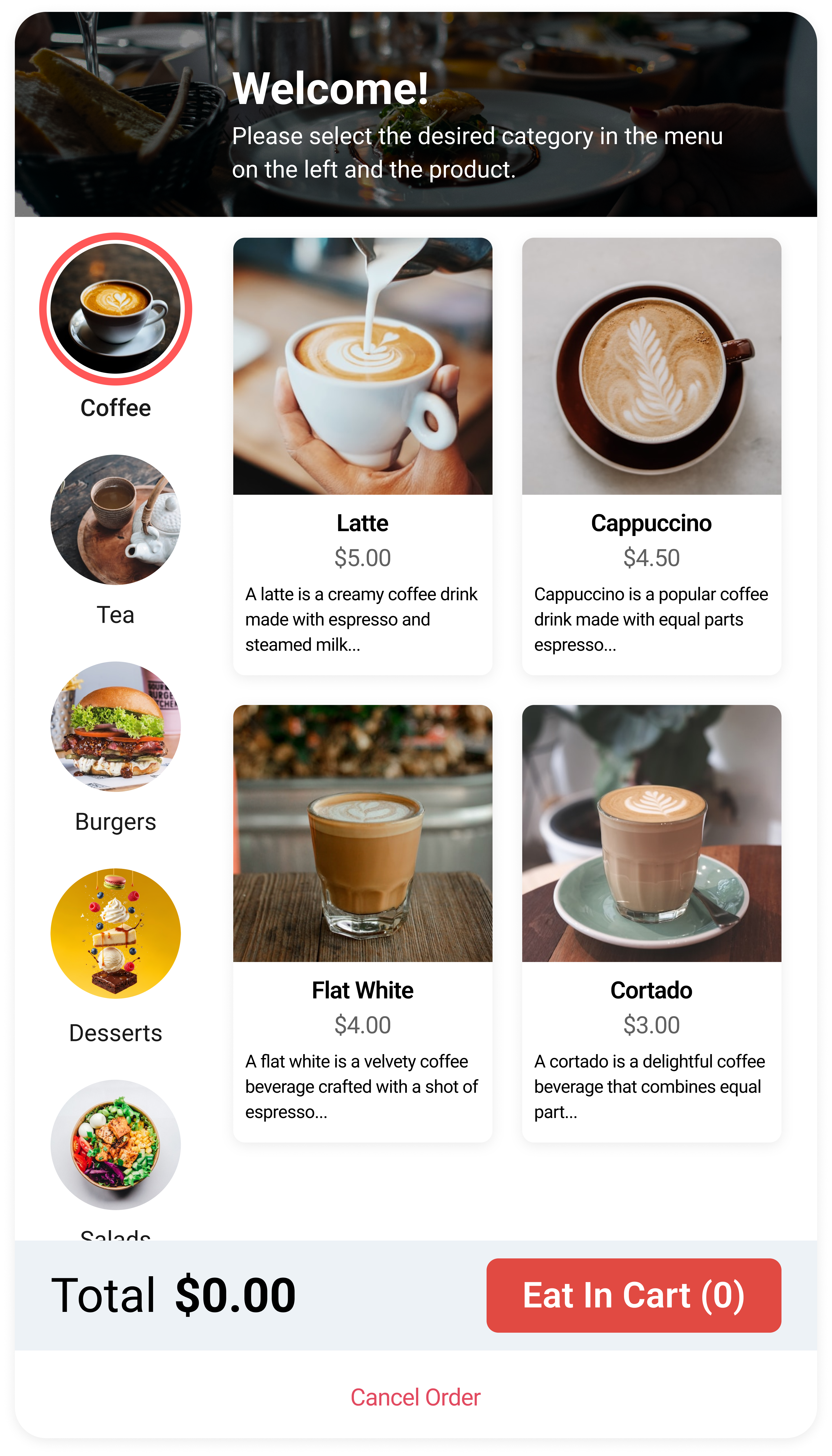
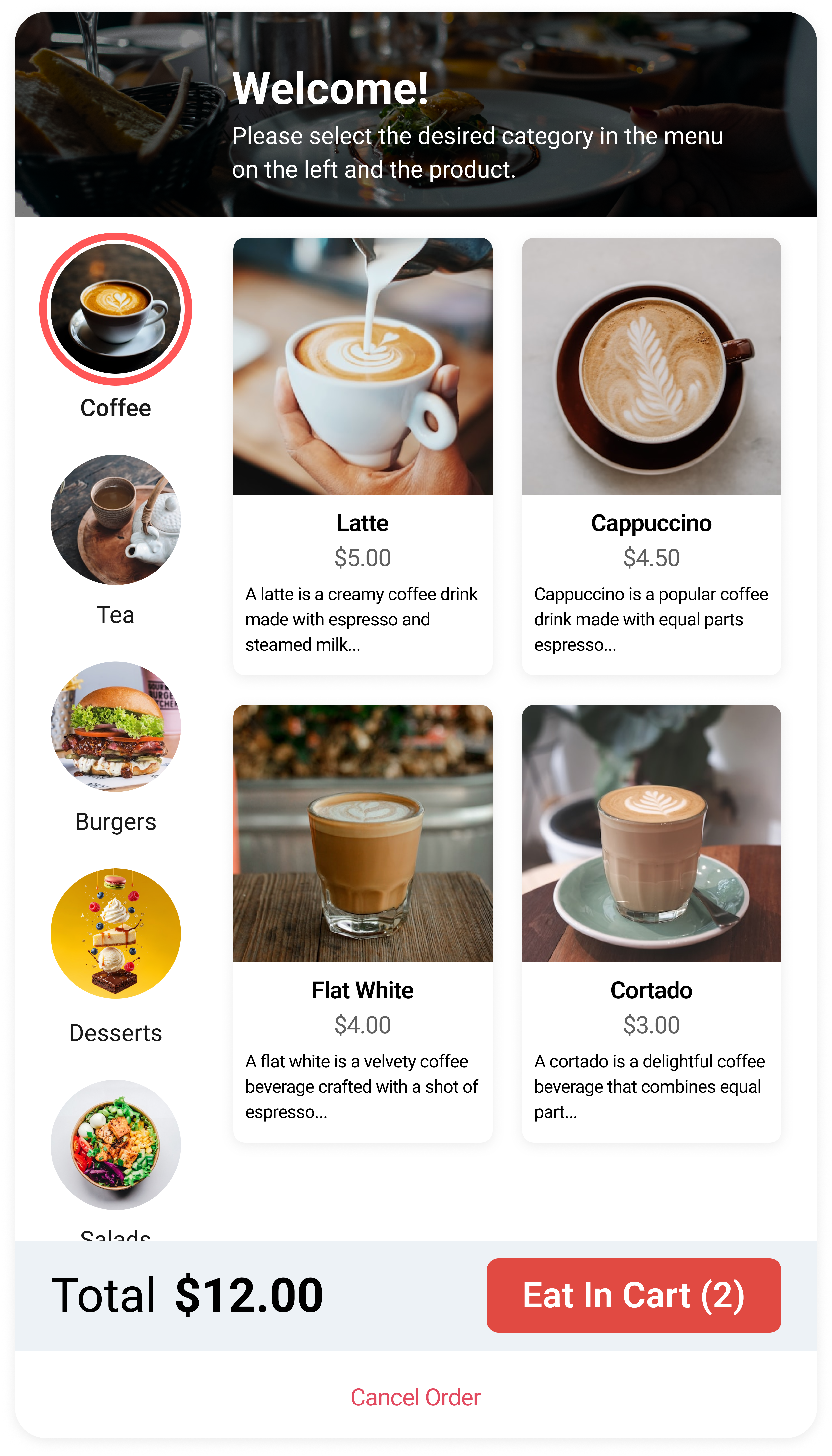
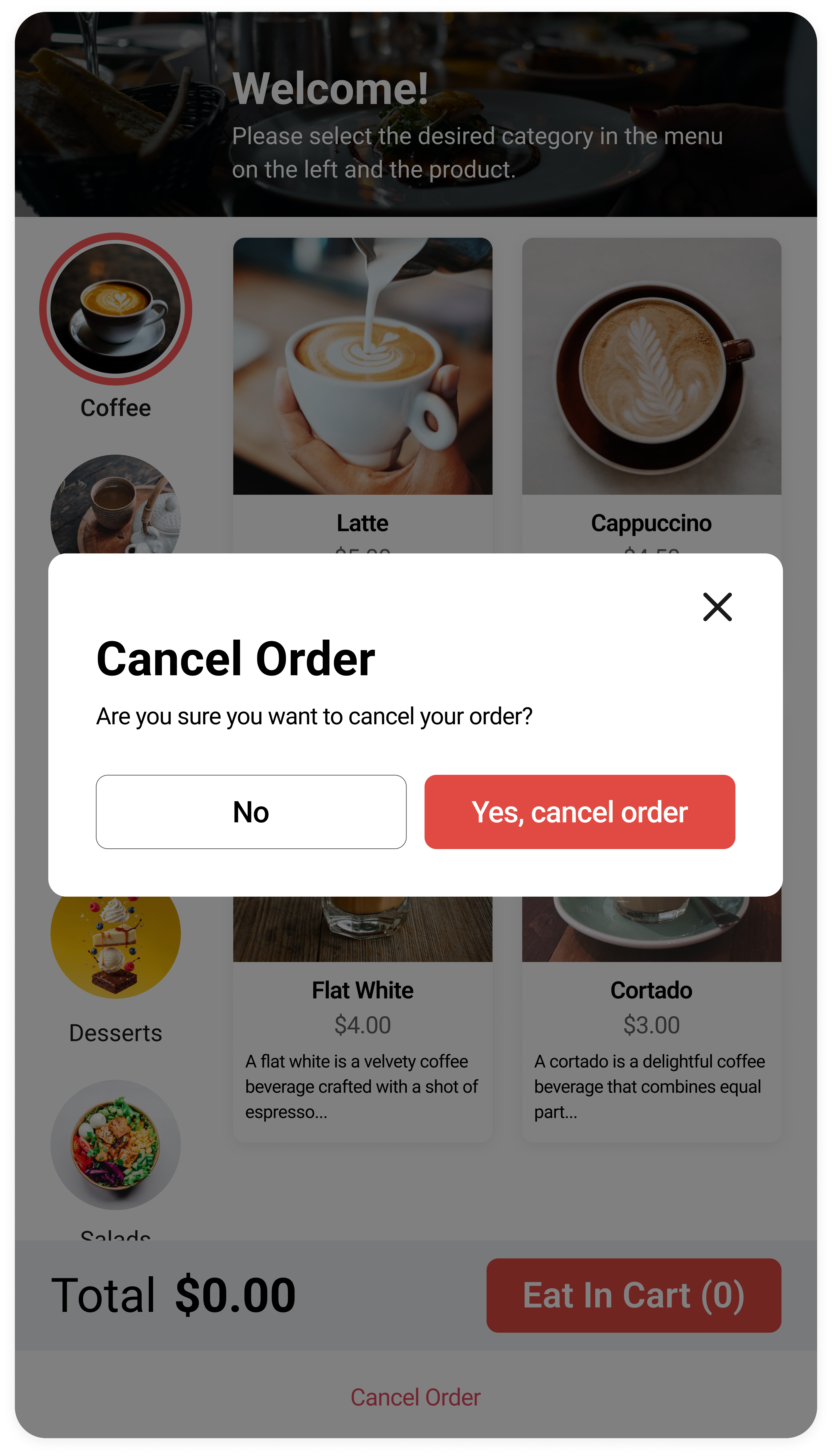
Catalog · Cancel order
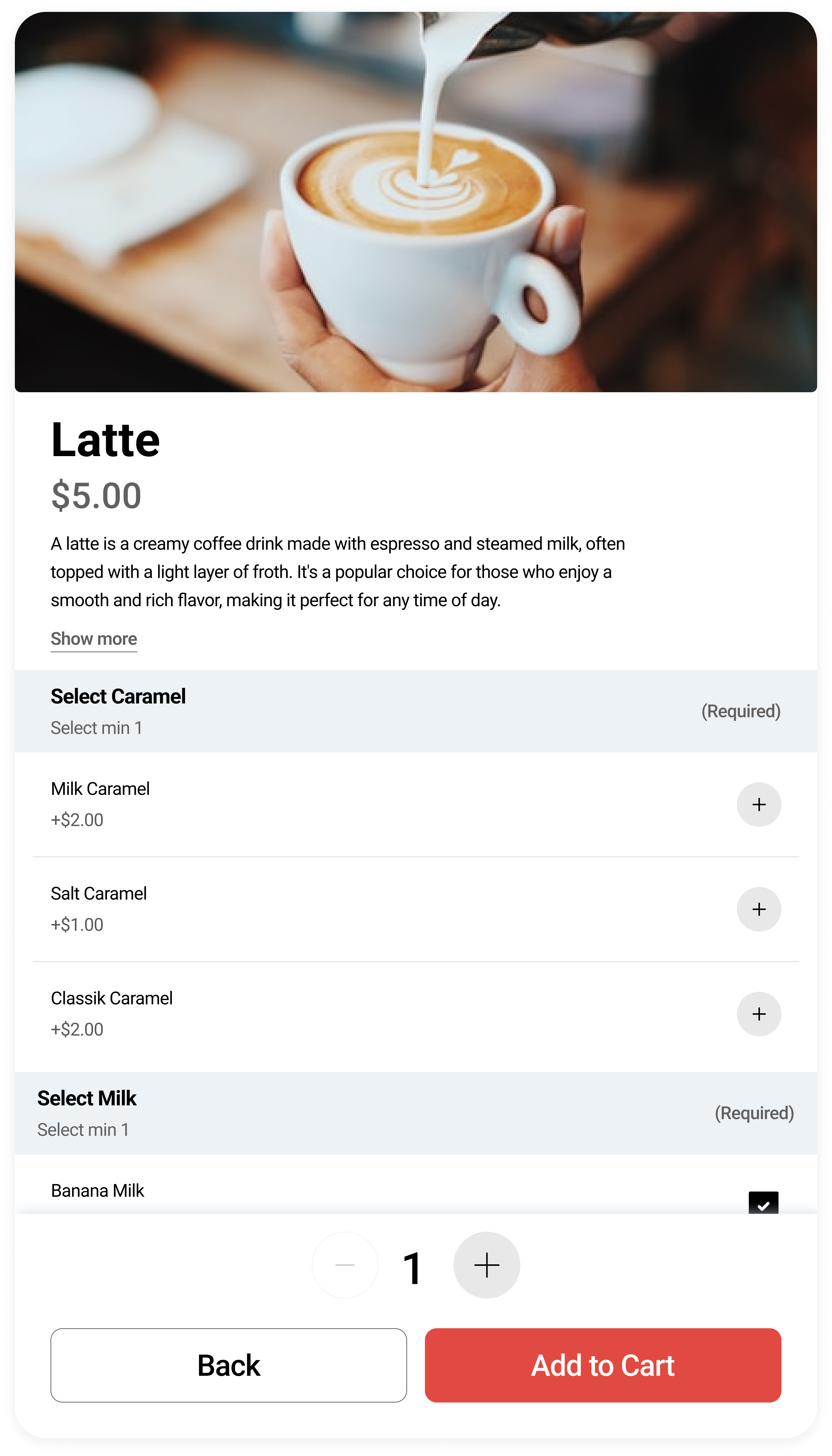
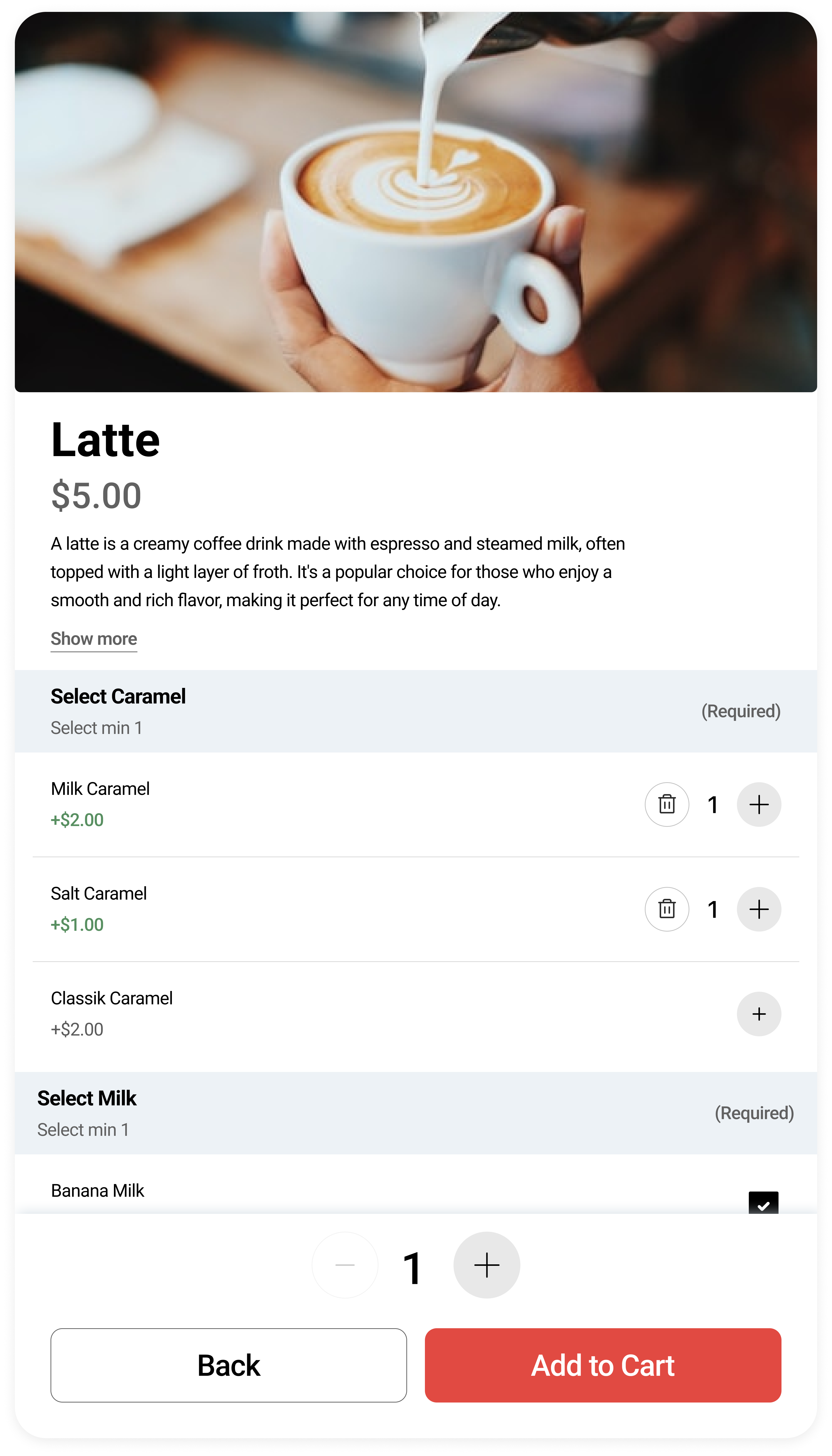
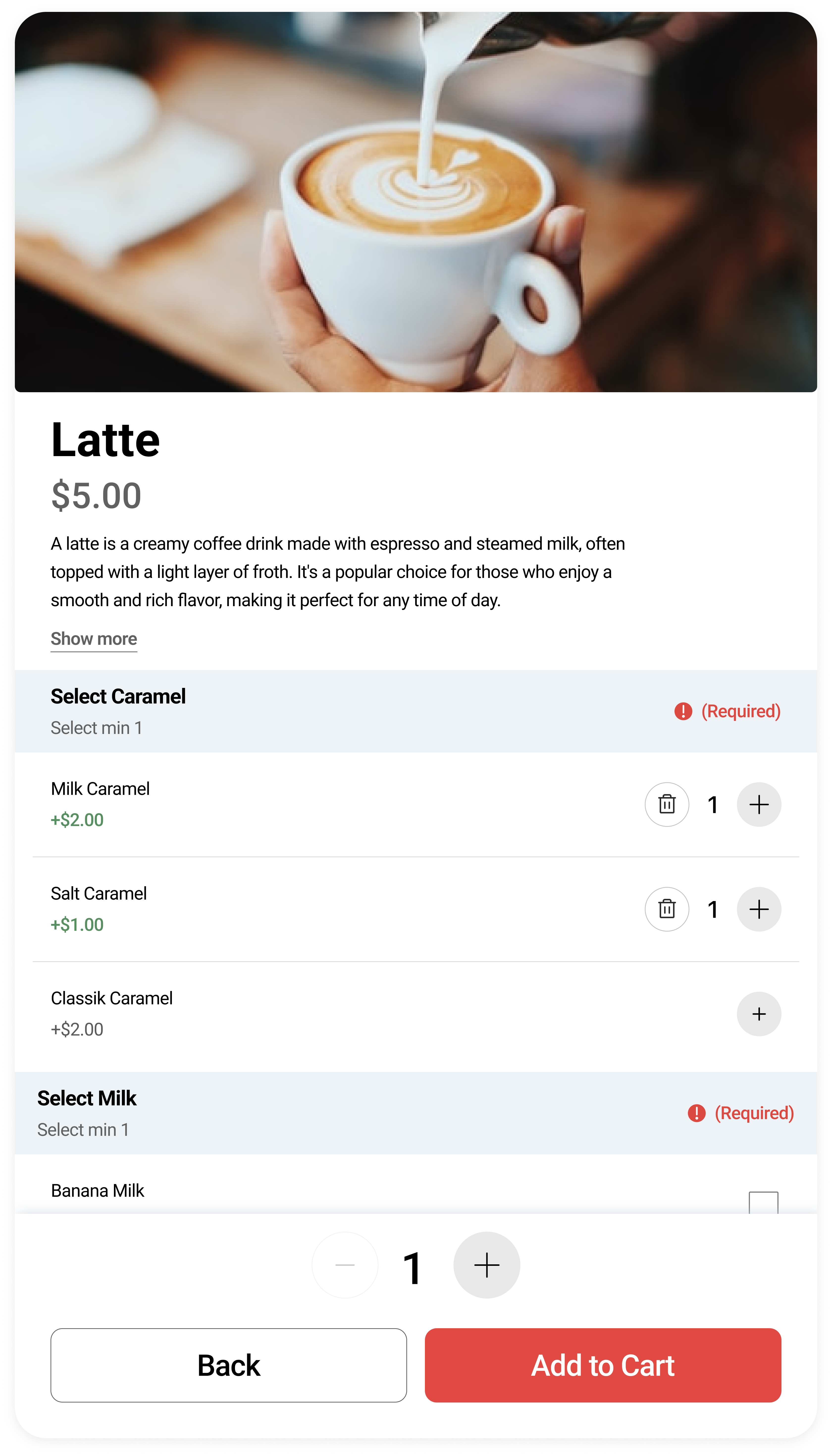
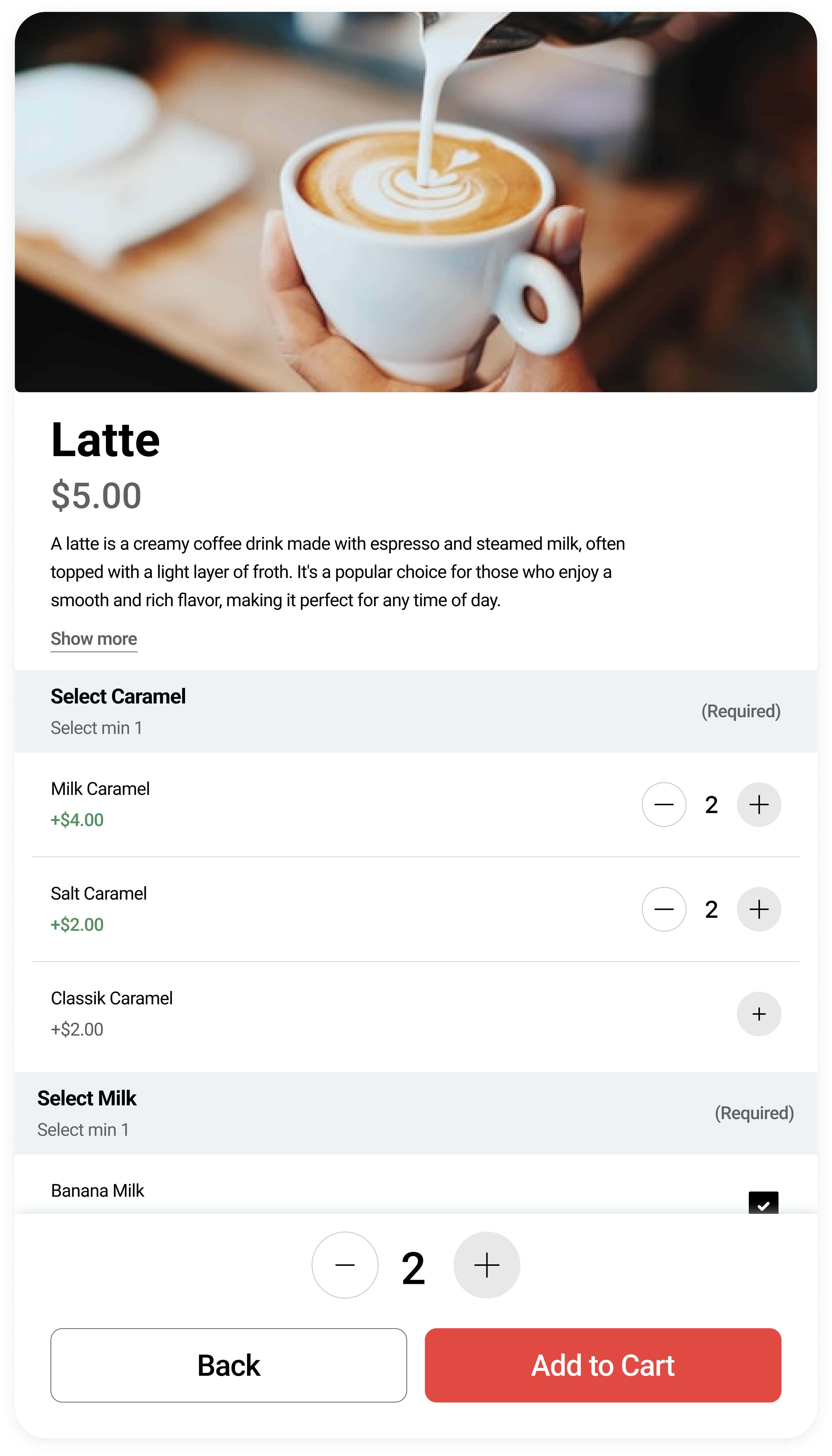
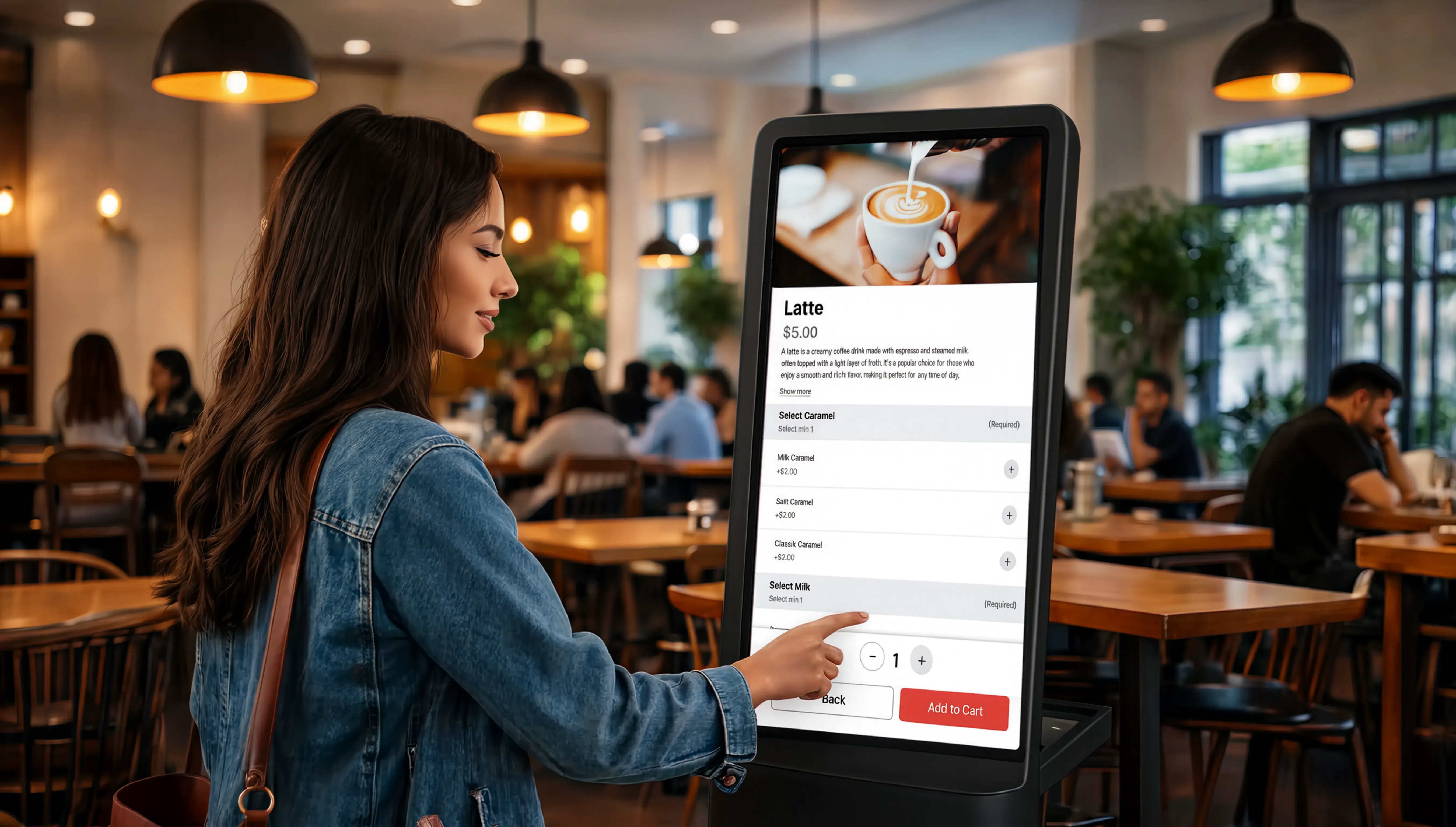
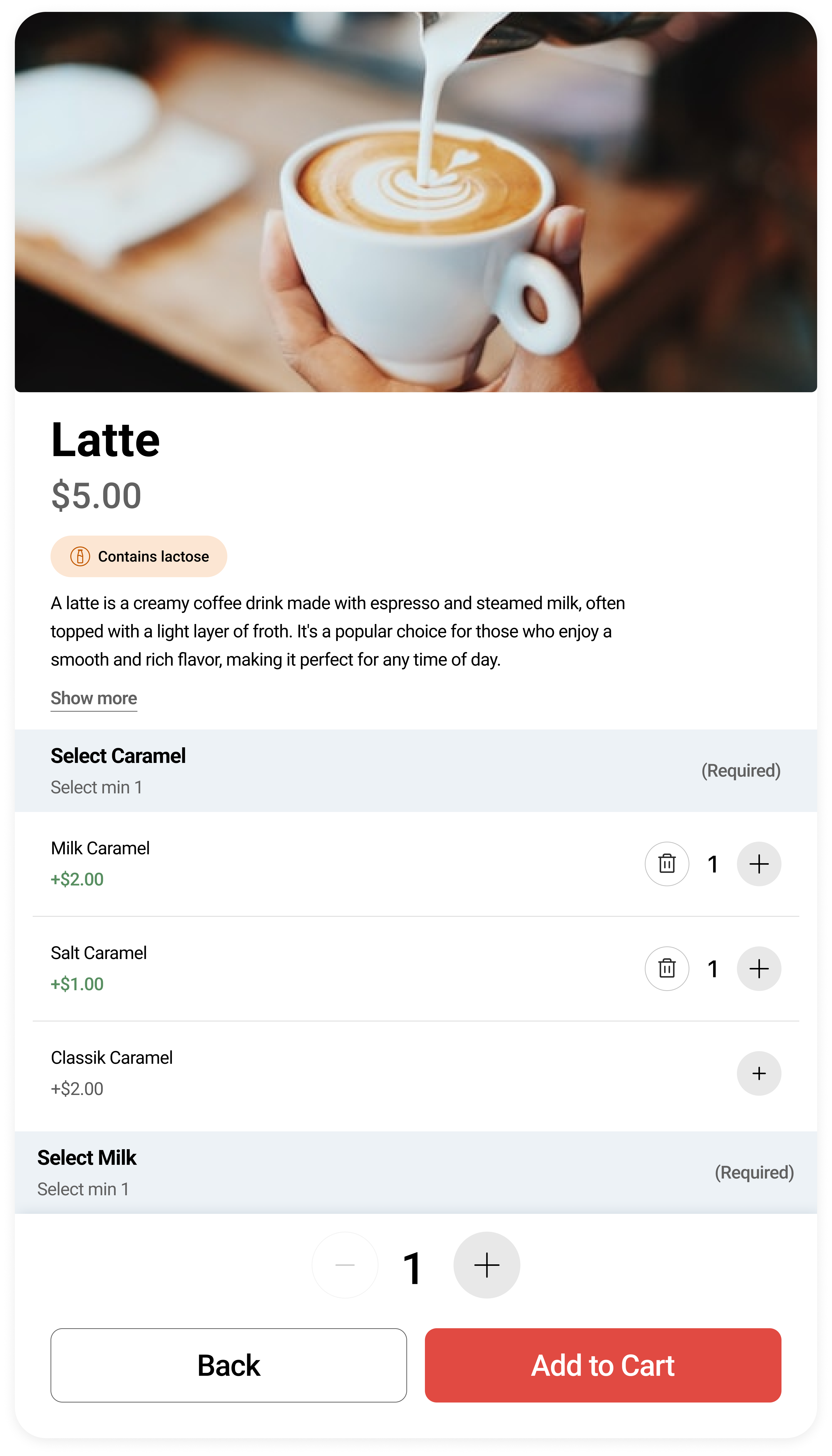
Product page · Modifier selection
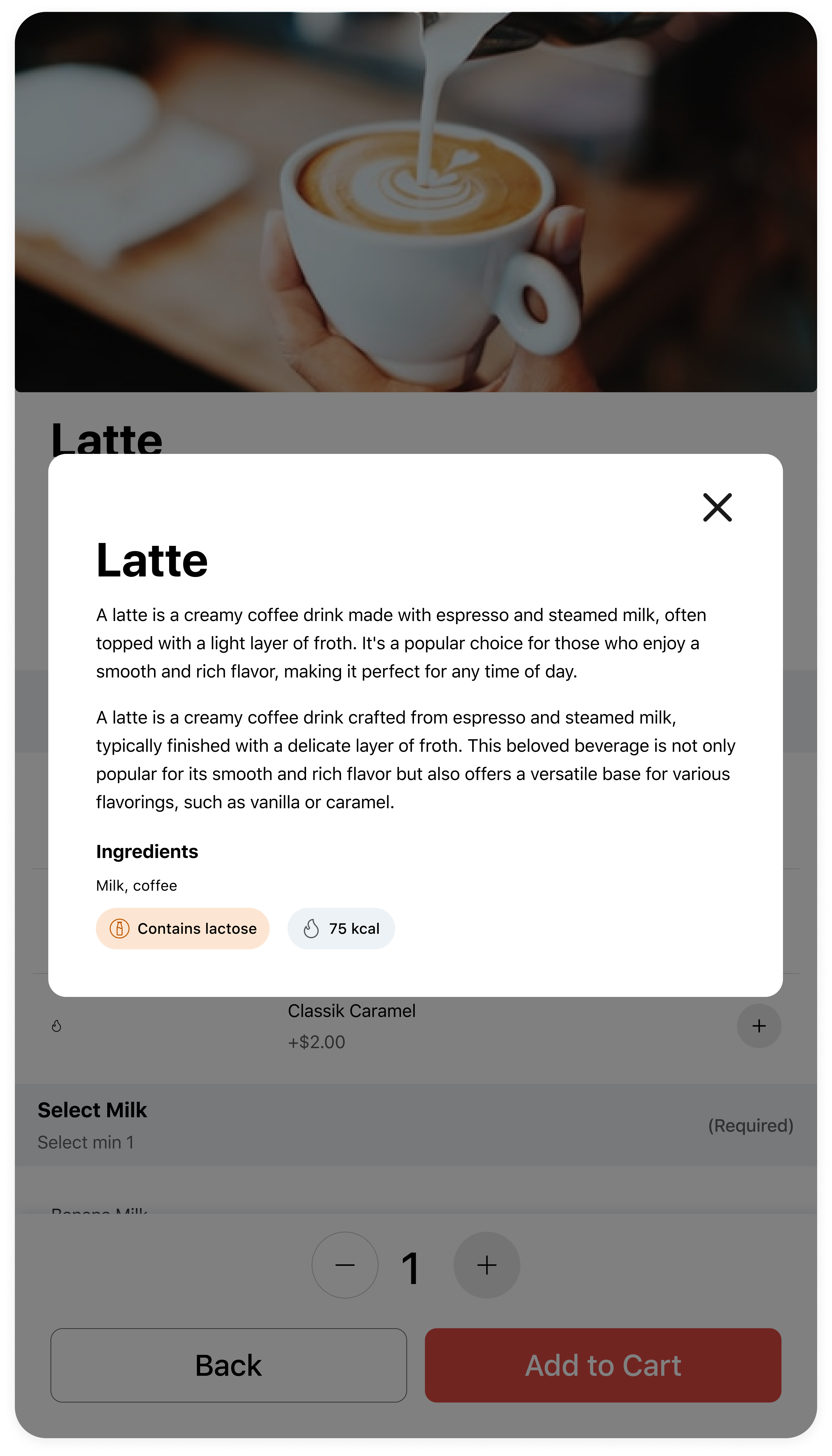
Allergen Information
Toggleable in the admin portal — businesses can choose whether to display allergen and nutritional info to customers.
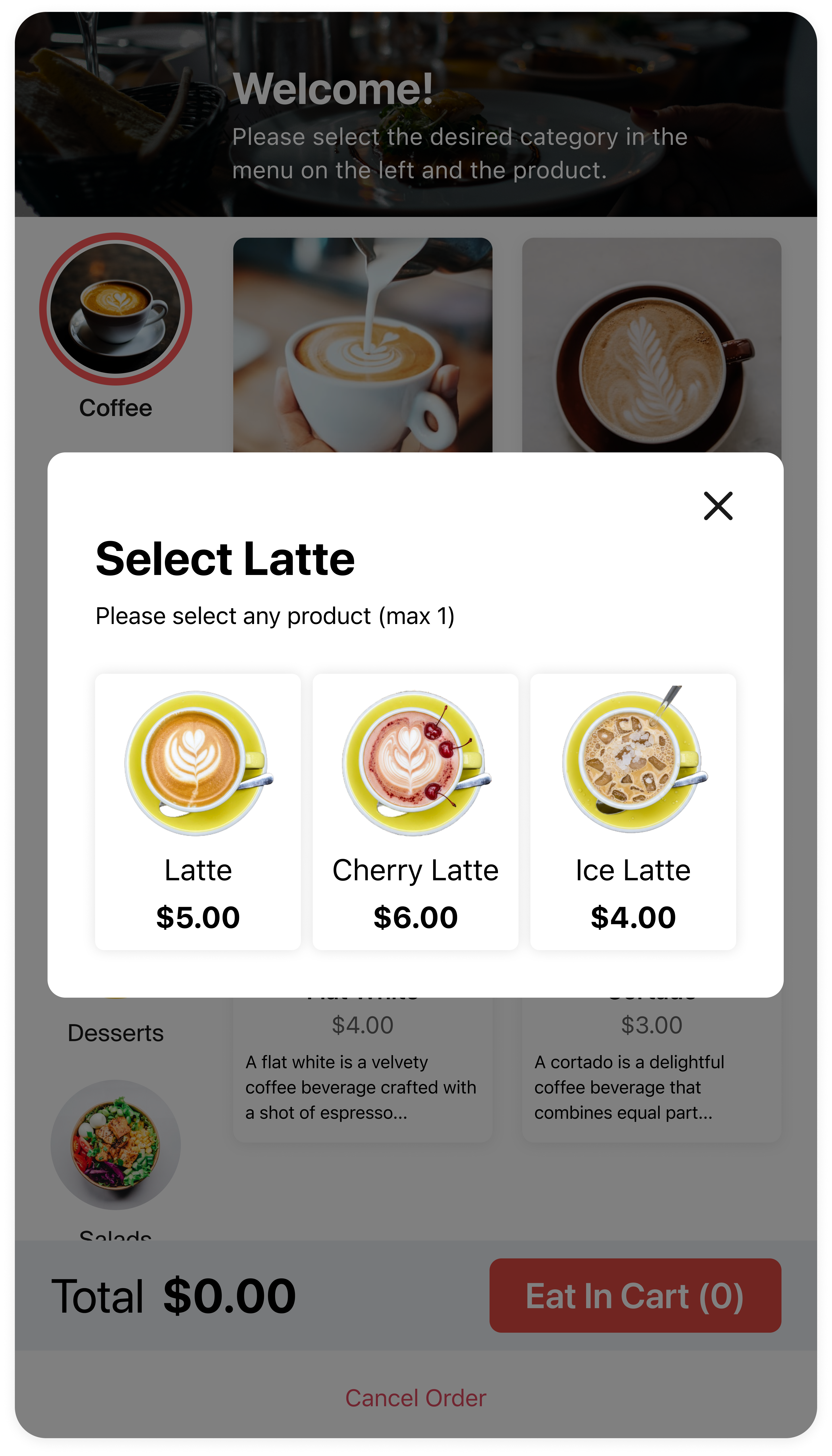
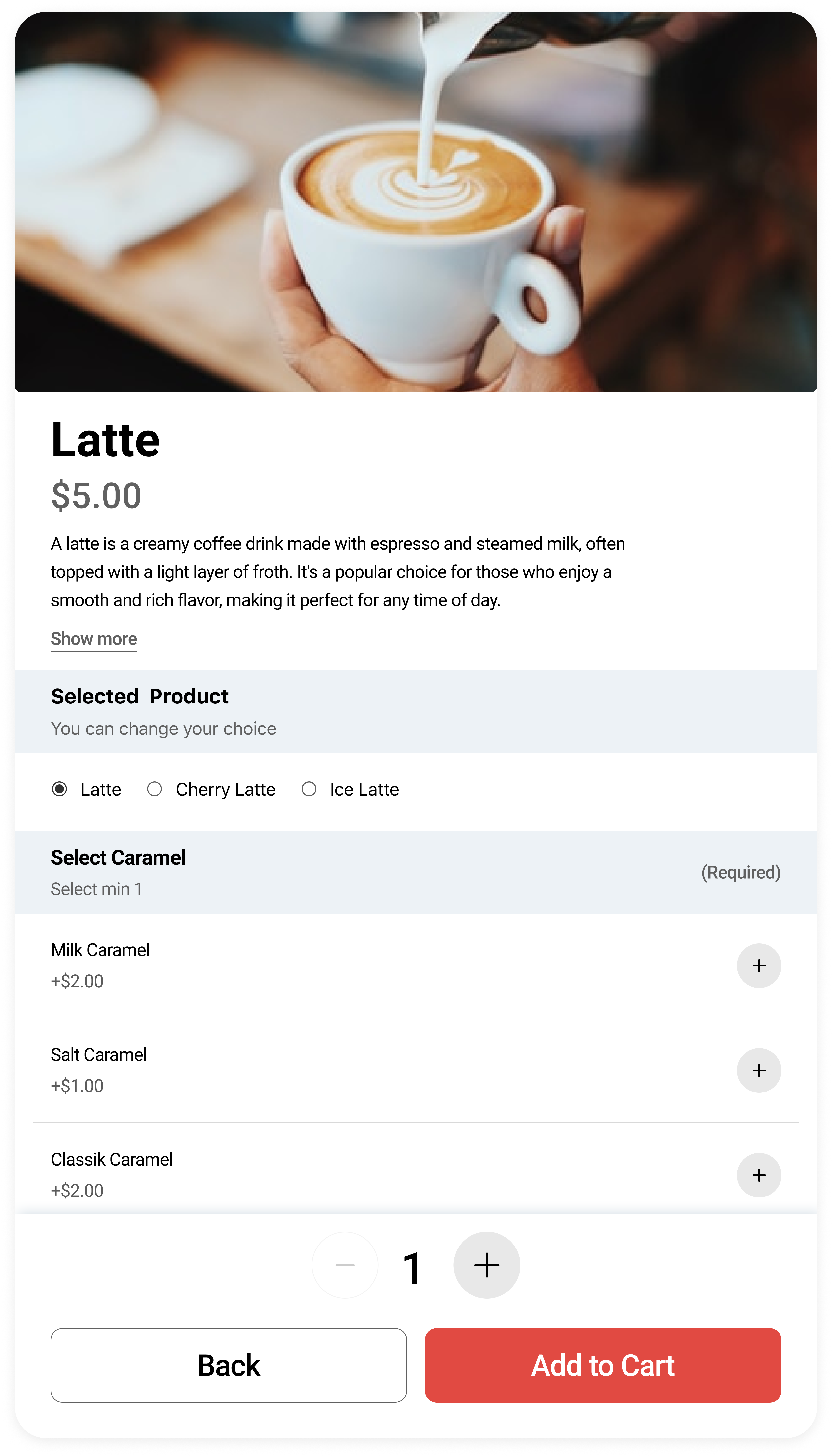
Alternative Product
An additional feature in the admin portal. The customer can choose the product type themselves, while the business can offer more options and increase the average check.
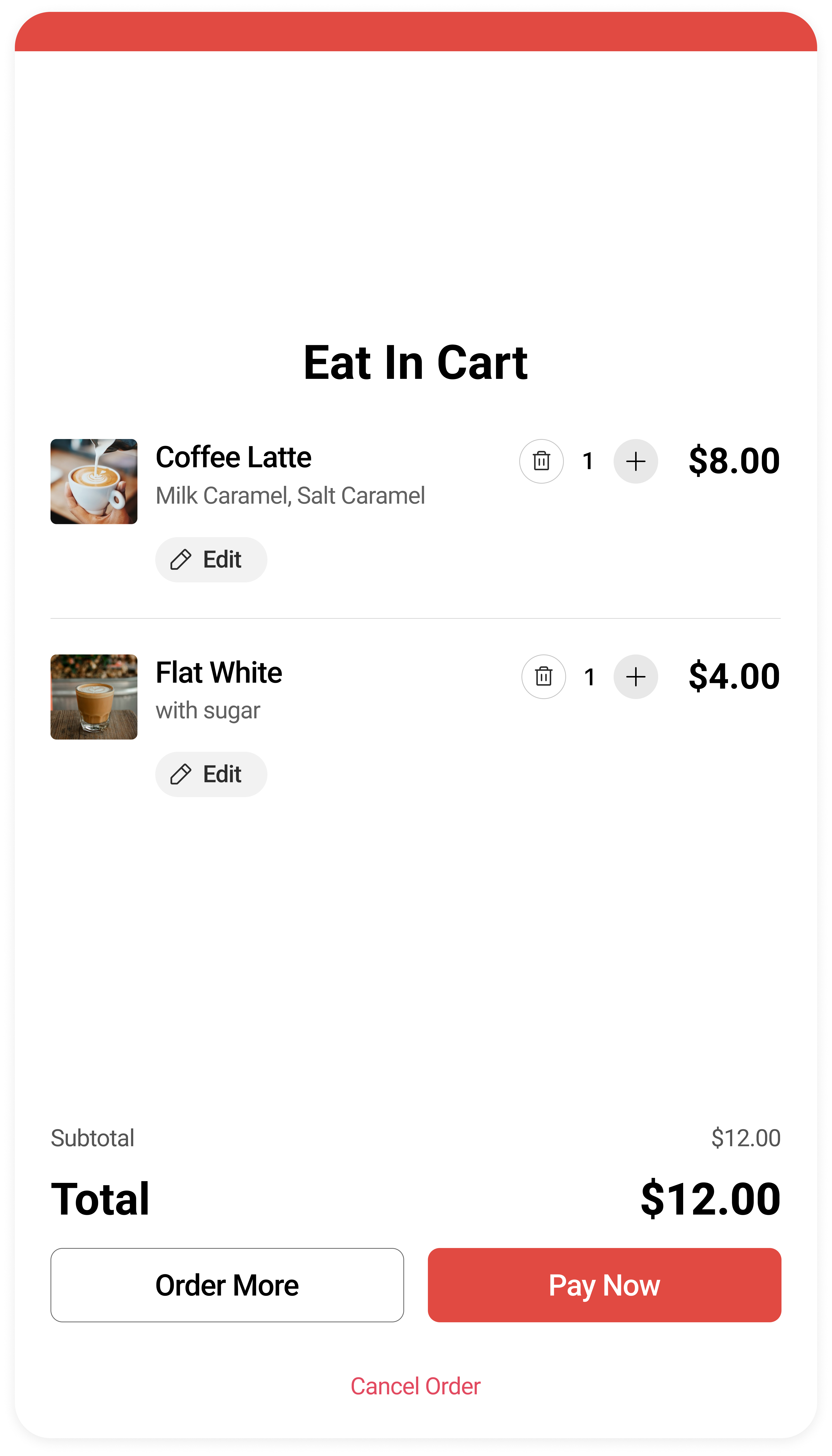
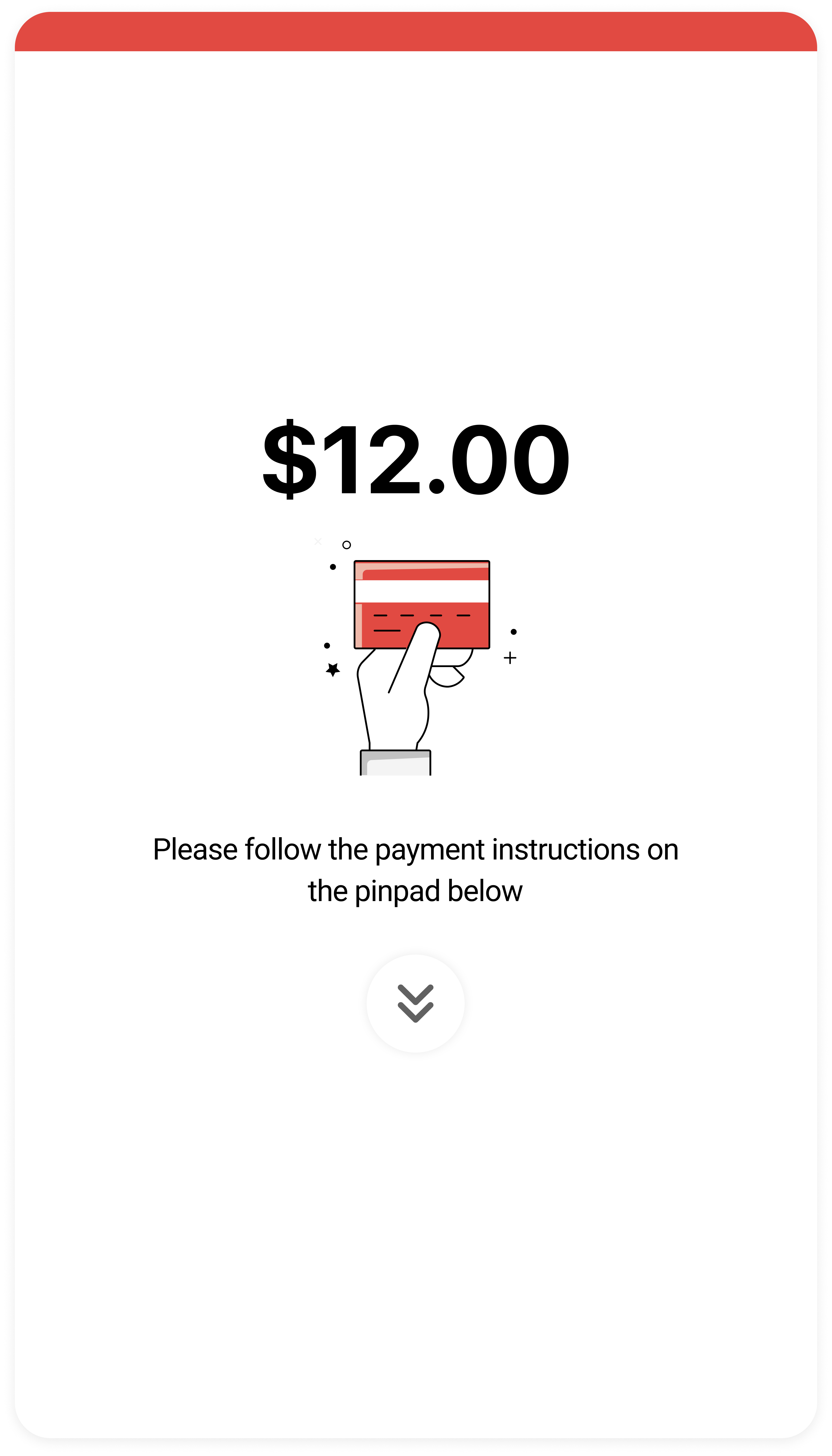
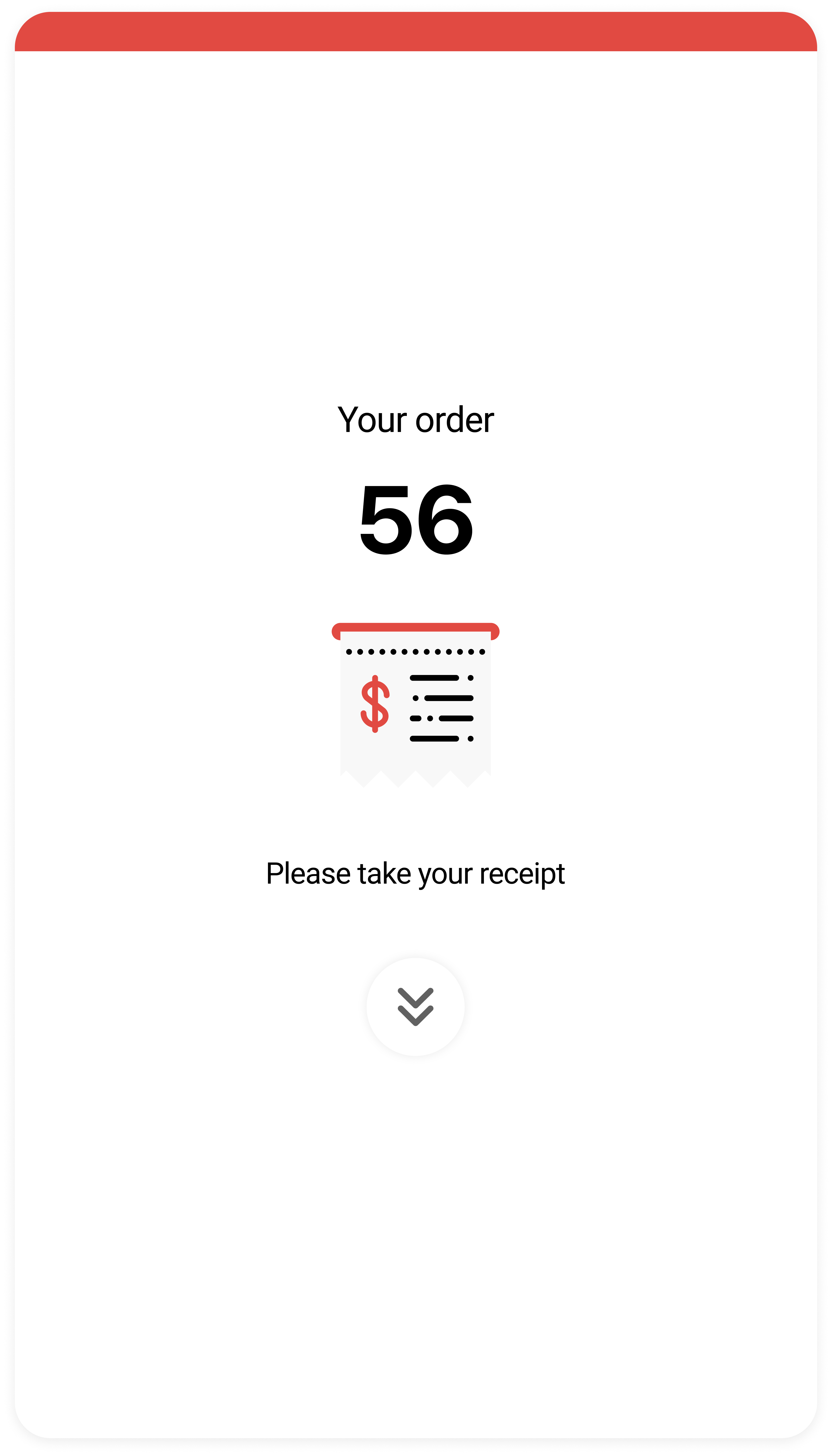
Cart · Payment · Order confirmation
Outcomes & Impact
Reduced queue time through streamlined ordering flow
Increased average order value through upsell and clear product presentation
Improved usability for first-time users with large touch targets and simplified UI
Lowered cognitive load during peak hours
This project is presented for portfolio purposes only. While not under NDA, all business data are confidential. Only selected core screens are shown, and all information has been modified to protect privacy.
Next project
Tablet Design · UI/UX